Managing GoldenDog with the Web Console
GoldenDog Linux comes with Cockpit pre-installed, a powerful web-based interface that allows you to manage your machine with ease. Whether you are a server administrator or a desktop user, the Web Console provides a clear overview of your system's health and performance.
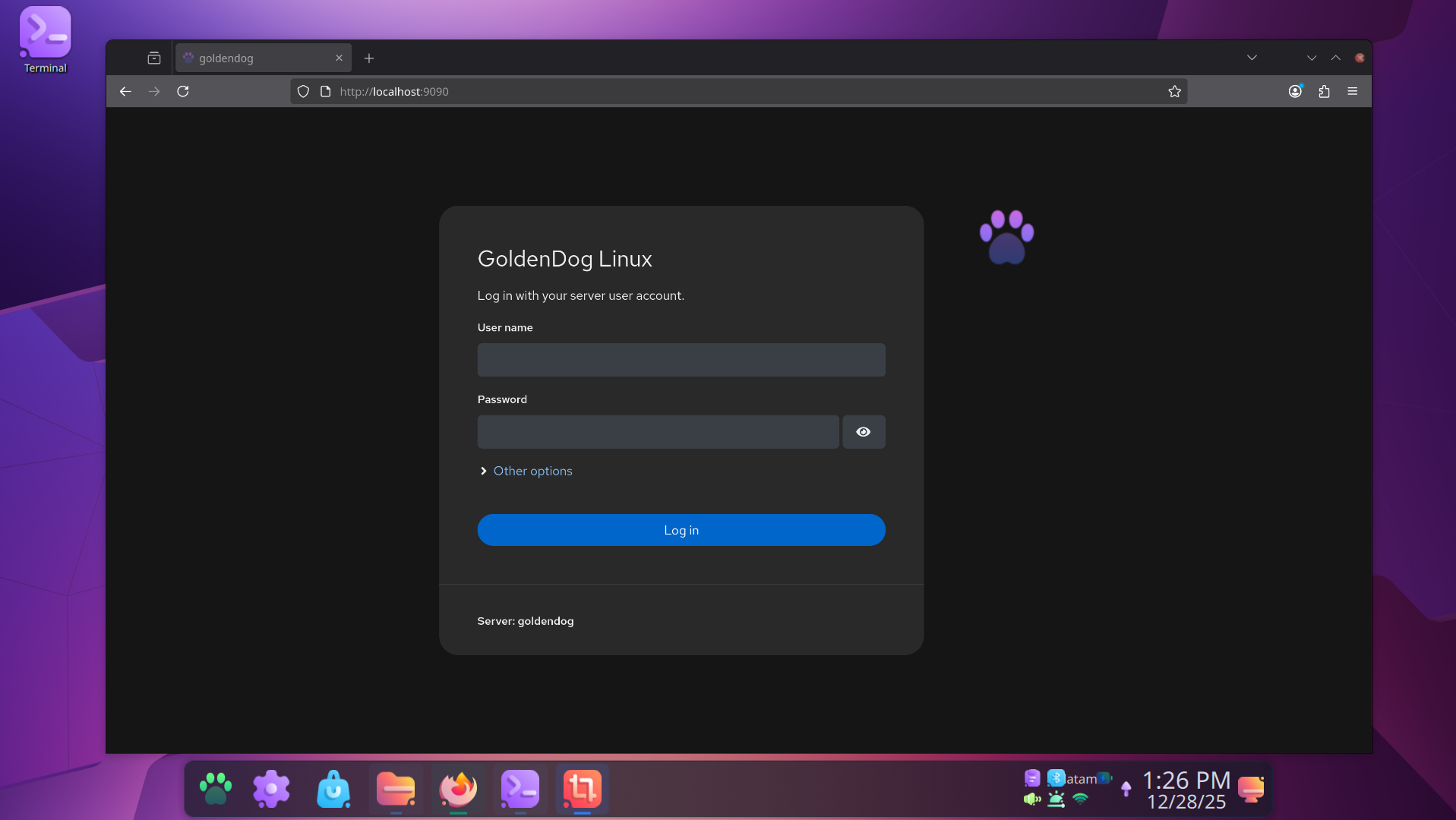
How to Access
- Open Firefox (or your browser of choice).
- Navigate to
http://localhost:9090. - Log in using your standard GoldenDog username and password.
Remote Management
You can also manage your GoldenDog machine from another device on your local network. Simply find your machine's local IP address and navigate to http://[your-local-ip]:9090 from any browser on the same network.
Administrative Access
By default, the Web Console may start in a "limited" mode for security. To perform administrative tasks like installing updates or changing system settings:
- Click the "Turn on administrative access" button (usually at the top of the interface).
- Provide your user password when prompted.
Key Features
Intelligent Update Management
Cockpit simplifies system maintenance by clearly separating updates into two categories:
- Security Updates: Critical patches that should be applied as soon as possible to keep your system safe.
- Other Package Updates: General software improvements and bug fixes.
System Health at a Glance
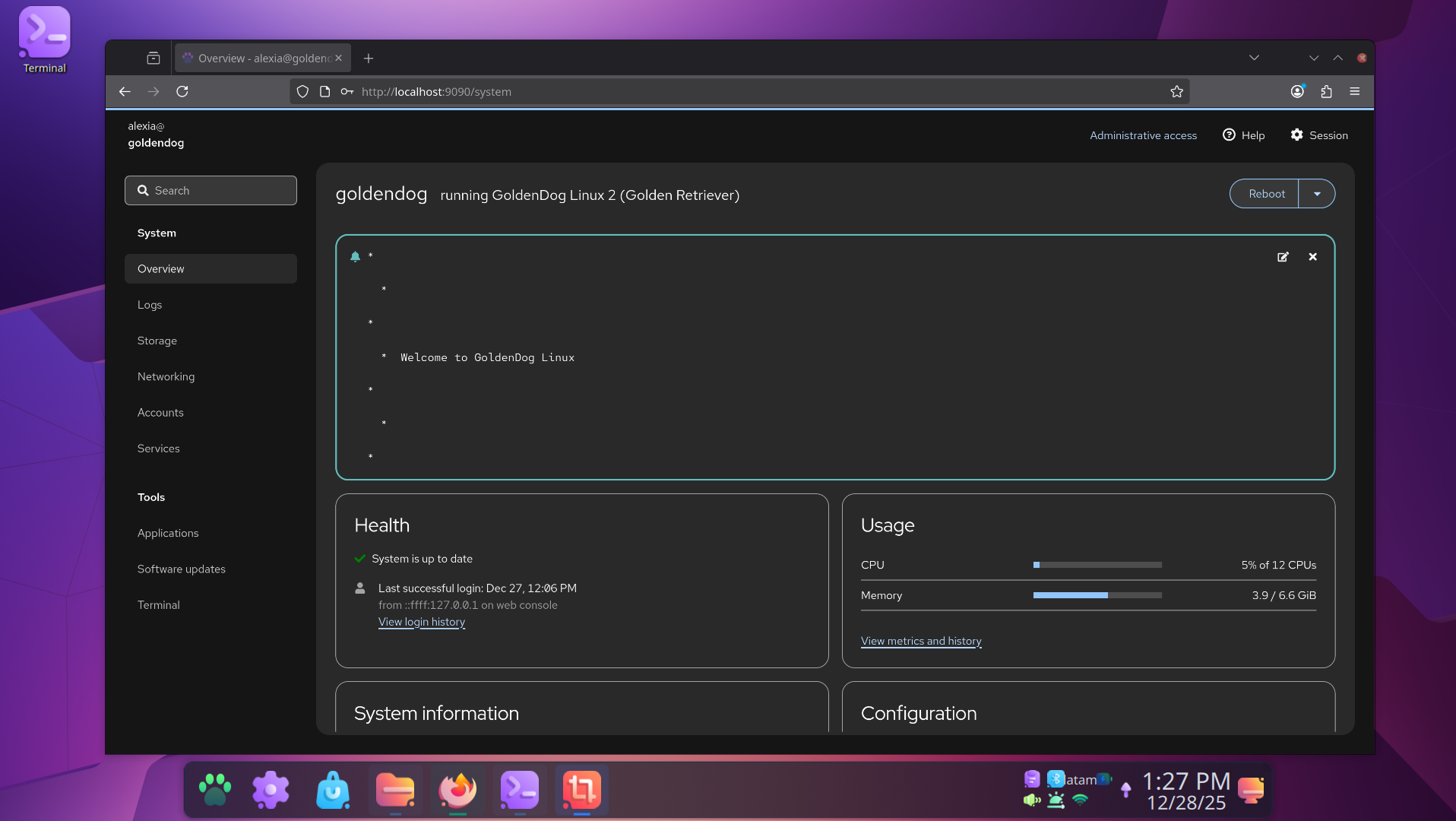
The dashboard gives you real-time data on CPU usage, memory consumption, and storage status.
Terminal Access
Need to run a quick command? The Web Console includes a fully functional terminal emulator, so you can manage your system via CLI without leaving your browser.

